

Adding a “pop of colour” to your beauty routine often means trying a vibrant eyeshadow palette or opting for a red lip instead of classic nude. And there’s no doubt about it: colourful beauty is having a moment… but not just in the makeup sphere. In fact, injecting some colour into your skincare routine is clinically proven to effectively address certain skin concerns.
That is, of course, if we’re talking about LED face masks. These devices have quickly evolved from salon-exclusive indulgences loved by A Listers (Jennifer Aniston is particularly fond of them), to a sought-after innovation that’s so simple you can use it at home. And the simplest of them all might just be the FL!KT Photon Silicone LED Mask.
- The FL!KT Photon Silicone LED Mask has an impressive 50% off.
- Esthetician Grace Day said "LED masks for skin can genuinely help improve tone, texture, clarity and firmness".
- Celebrities including Jennifer Aniston swear by an LED mask.
This affordable device delivers customisable light therapy right at home. It has eight targeted light modes to address a range of skin concerns, flexible silicone for comfort and a remote control for easy setting adjustments. Exclusively available to shop at Beauty Bay (and it’s currently 50% off), it offers high-energy photon skincare from the comfort of your bed, sofa or anywhere else you fancy relaxing.
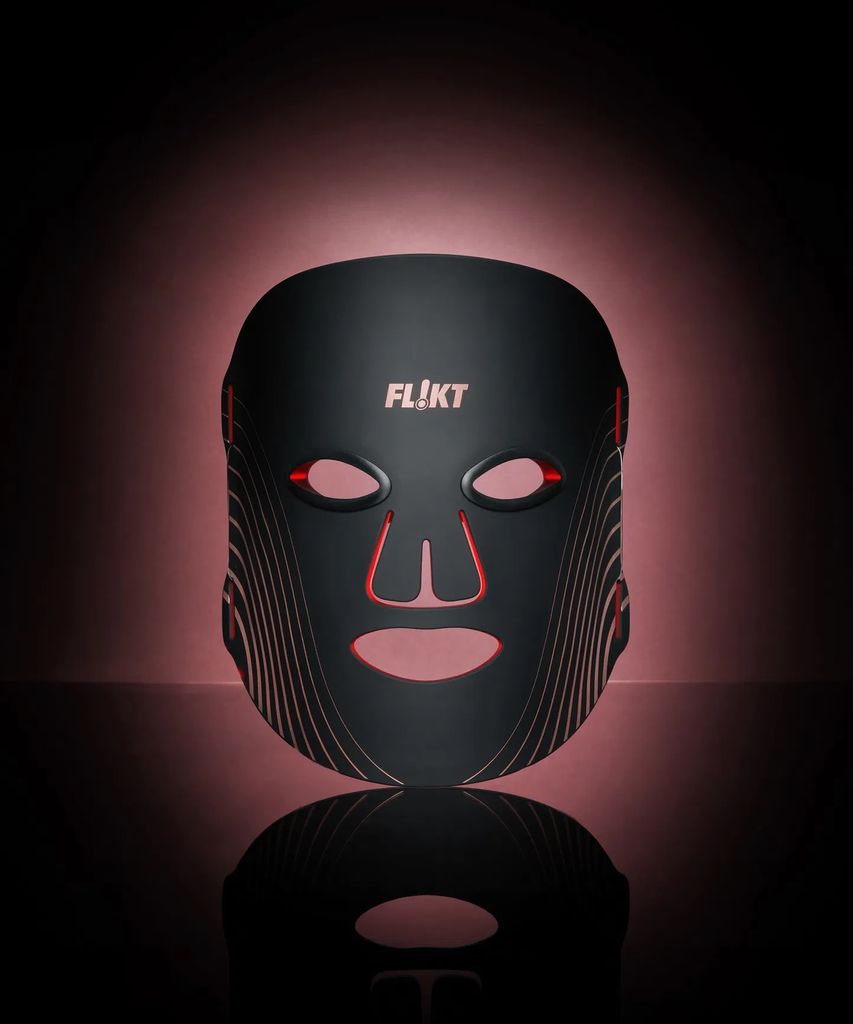
This affordable device delivers customisable light therapy right at home. It has eight targeted light modes to address a range of skin concerns, flexible silicone for comfort and a remote control for easy setting adjustments. Exclusively available to shop at Beauty Bay (and it’s currently 50% off), it offers high-energy photon skincare from the comfort of your bed, sofa or anywhere else you fancy relaxing.
“The FL!KT Photon Silicone LED Mask is designed to sit comfortably on the skin thanks to soft, flexible silicone that wraps around your face and ensures even, full coverage,” esthetician Grace Day said in a blog post about the gadget.
She added: “With eight modes and four types of light sources, you can tailor every session depending on what your skin needs that day. Spots incoming? Blue light. Feeling dull? Infrared. Dark spots? Yellow. Want a bit of everything? Try purple or green.
“When used consistently, LED masks for skin can genuinely help improve tone, texture, clarity and firmness. LED therapy is nothing new; it’s been used in clinics for years, so its benefits are tested and proven. Just keep expectations realistic. As with any skincare treatment, results build over time, not overnight.”
To use the face mask, begin by cleansing and drying your skin. Insert the elastic bands and eye protectors into the device, ensuring everything is properly secured, and then place it over your face. Gently loop the elastic bands around each side, adjusting for a comfortable fit.
Once positioned, press and hold the power button for 1.5 seconds to turn the device on. It will automatically start in red light mode, but you can tap the power button to choose your preferred light setting and select a 10, 20 or 30 minute session. The mask will automatically power off when the timer ends, or you can press and hold the power button for 1.5 seconds to turn it off manually.


